Start on the phone, carry on from the same second on the tablet. Position, bookmarks and card edits travel between your devices through your own iCloud, with no accounts and no one else’s servers.
Syncing belongs to Pro. Without it the app works in full, each device simply living its own life: changes are recorded all the same and will travel as soon as Pro appears.
Audio files do not travel: you bring them to each device separately, and the progress finds its own book by the make-up of the files. That keeps the exchange quick and spares your iCloud quota.
01/03
Turn syncing on
One switch in the settings. The exchange runs through your iCloud account — nothing to sign up for.
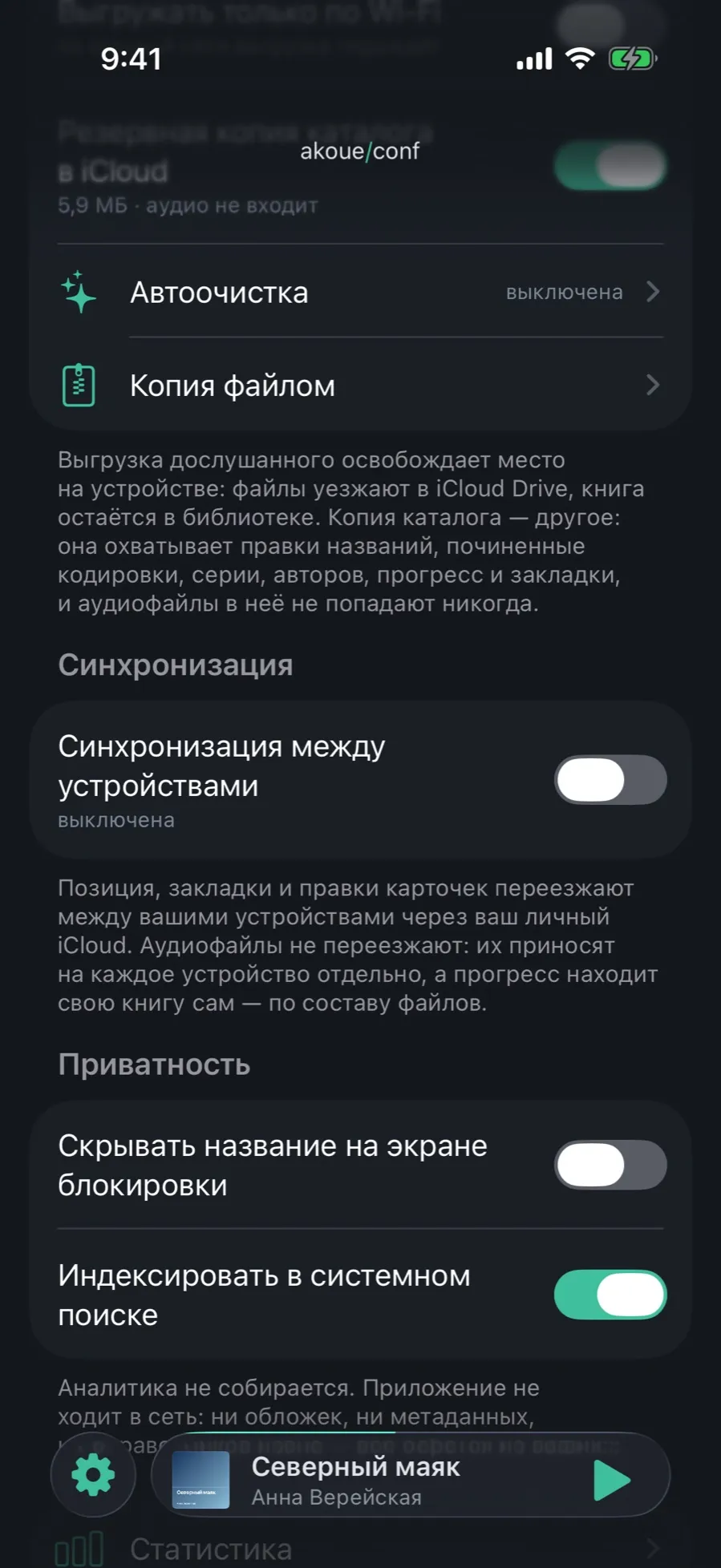
Open Settings and scroll down to the “Sync” section.
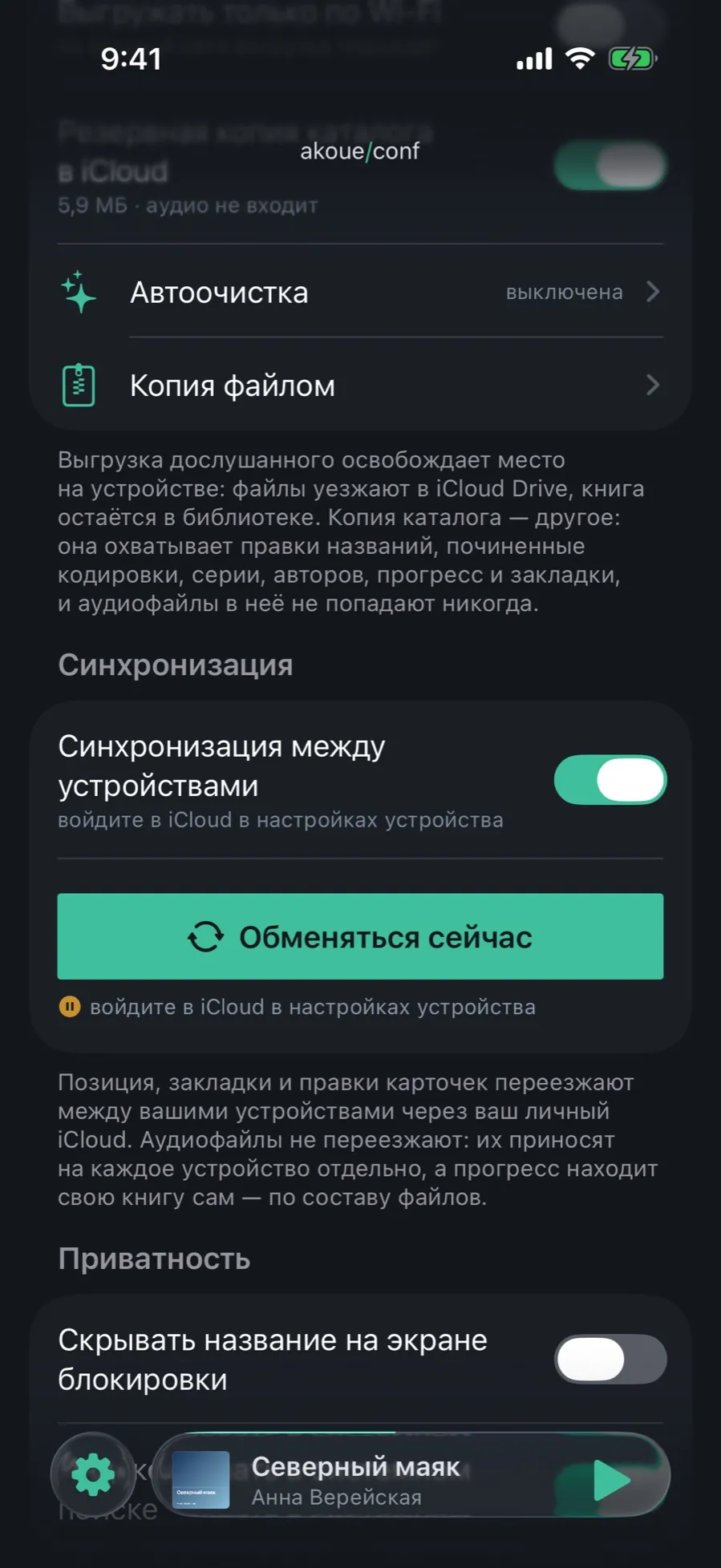
Turn on “Sync across devices”.
Under the row the app says whether everything is ready: if you are not signed in to iCloud, it will say so there.
Do the same on the second device — under the same Apple Account.
The exchange is incremental and runs in the background: the app does not wait for you to hand over a couple of seconds of position.
02/03
You can see what is happening
The exchange is not silent: under the switch there is always its state and when it last ran.
With syncing on, a “Sync now” button appears — for when you would rather not wait for the background run.
During an exchange the line changes to “Syncing…”.
Until there has been one, it says exactly that: “No sync yet”.
If something is missing — an iCloud sign-in or a network — the app names the reason right there instead of hiding it.
Offline does not break it: changes pile up on the device and travel when the network comes back.
03/03
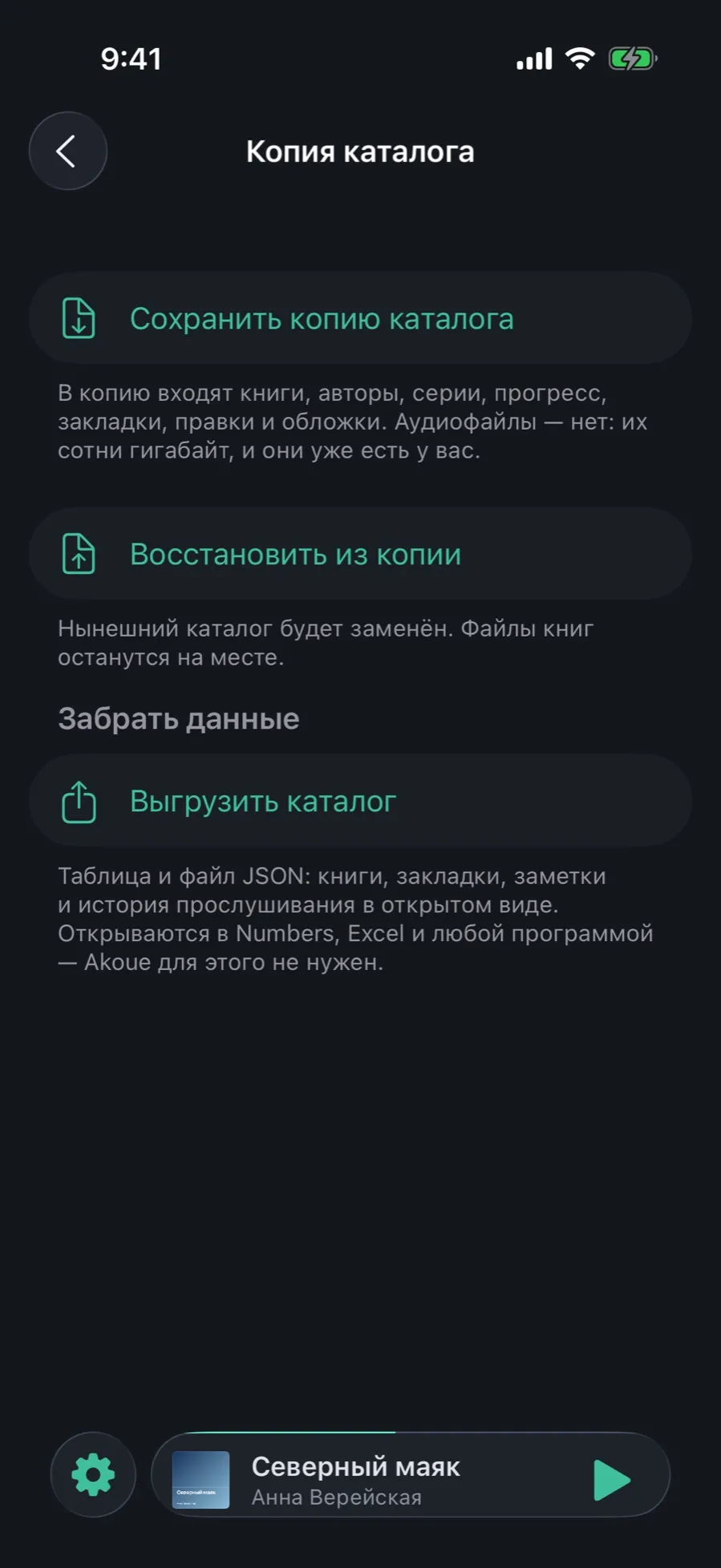
A catalog backup is something else
Two things that look alike, in neighbouring sections of the settings. Syncing ties devices together; a catalog backup saves you from loss.
Syncing keeps the devices in one state: an edit on the iPhone shows up on the iPad.
A catalog backup is a snapshot of one moment: title edits, repaired encodings, series, authors, progress and bookmarks, in one file.
Audio files go into neither: you already have them.
Both can be on at once — the mechanisms are independent.
A disagreement of more than a minute between devices is not settled by the app on its own: it asks which position to keep.
What syncing does not do
Move audio files: you bring them to each device separately or fetch them from your iCloud.
Work across different Apple Accounts: the exchange stays inside one.
Sync device settings: the theme, the accent colour and the auto timer stay where they were chosen.