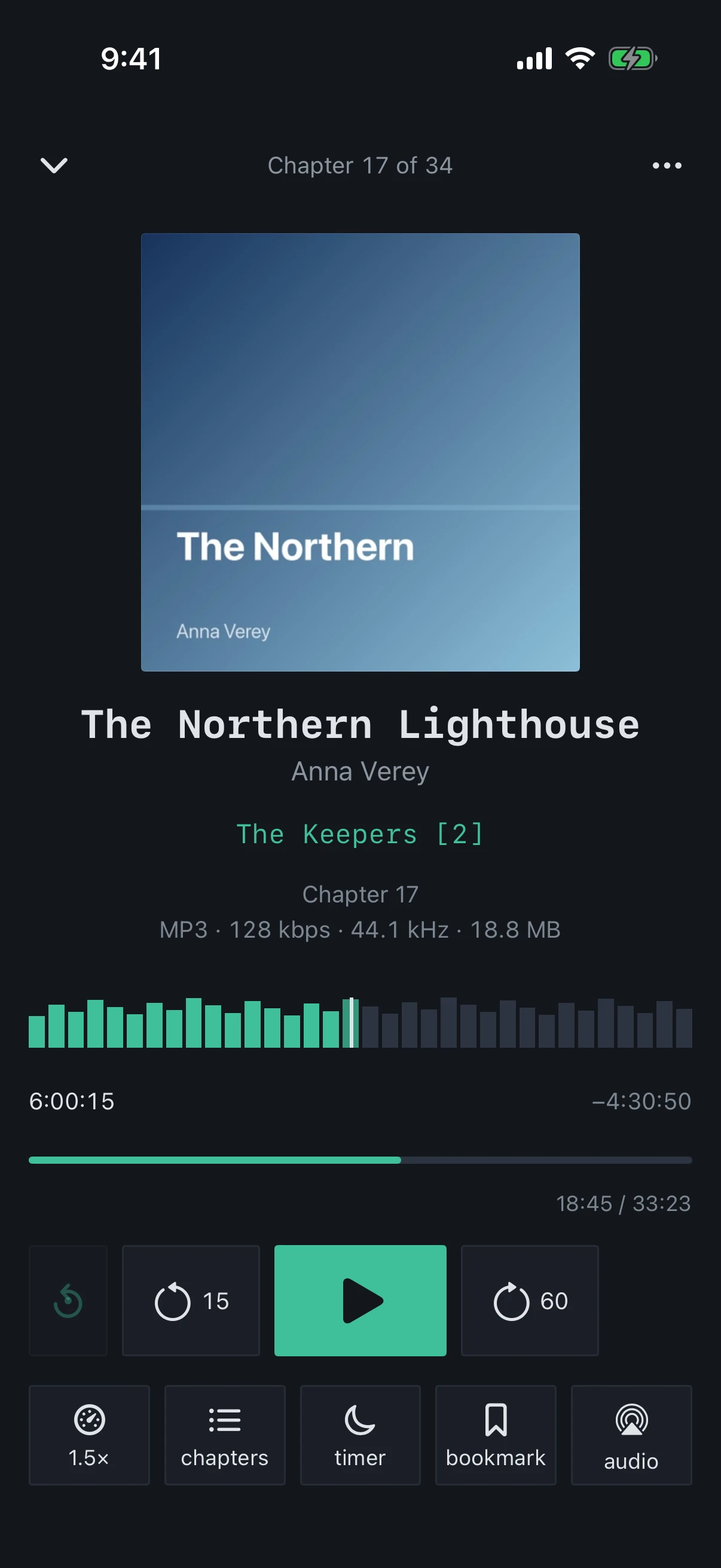
How many seconds the skip buttons jump. “Back” and “Forward” are set separately, and the number on each button changes with them.
Where it applies
The buttons on either side of the play button in the player and in the medium “Continue” widget, and the skip-back button in the mini player: the number on a button is the chosen interval.
The Lock Screen, headphones and CarPlay skip by exactly the same amount: the intervals are handed to the system.
A double tap on the left or right half of the cover in the player skips by the same intervals while “Skip by double-tapping the cover” is on.
While “Headphone double-press — chapter” is on, the Lock Screen shows chapter buttons instead of skips.
Values
Presets
5, 10, 15, 20, 30, 45, 60, 90 and 120 seconds.
“Custom…”
Any whole number of seconds from 1 to 600.
Default
“Back” is 15 s, “Forward” is 60 s.
What it looks like
The numbers on the buttons are the “Back” and “Forward” intervals
Tip
A short step back, 5–10 seconds, is handy for replaying a phrase. A long step forward, a minute or more, gets you quickly past an intro or the music between chapters.